
WIFI SERVICES
WIFI SERVICES DUBAI CALL US 0554317122 Introduction In the modern digital age, Wi-Fi services have become an integral part of […]
Fixing Wi-Fi issues involves troubleshooting and resolving various connectivity problems to improve the strength, speed, and reliability of your network. Here are common steps and methods to fix Wi-Fi issues:
– Power cycle your router and modem by unplugging them for about 30 seconds and then plugging them back in. This often resolves temporary issues with connectivity.
– Ensure your router is placed in a central location, away from walls, electronic devices, and interference sources like microwaves. Positioning it higher, such as on a shelf, can also improve coverage.
– Manufacturers regularly release updates to fix bugs and enhance performance. Log into your router’s admin page (usually accessed by typing your router’s IP address into a browser) and check for firmware updates.
– In areas with many Wi-Fi networks, such as apartment buildings, multiple devices may be using the same channel, causing interference. Changing the channel on your router can improve performance. Most routers have an auto-select option or allow you to manually change the channel in the router settings.
– Modern routers broadcast on both 2.4 GHz and 5 GHz bands. The 5 GHz band is faster and less congested but has a shorter range, while 2.4 GHz has a broader range but slower speeds. Using the correct band for your needs can enhance performance.
6. Check for Interference
– Devices like cordless phones, baby monitors, and microwaves can interfere with your Wi-Fi signal. Move these devices away from your router or change their frequency.
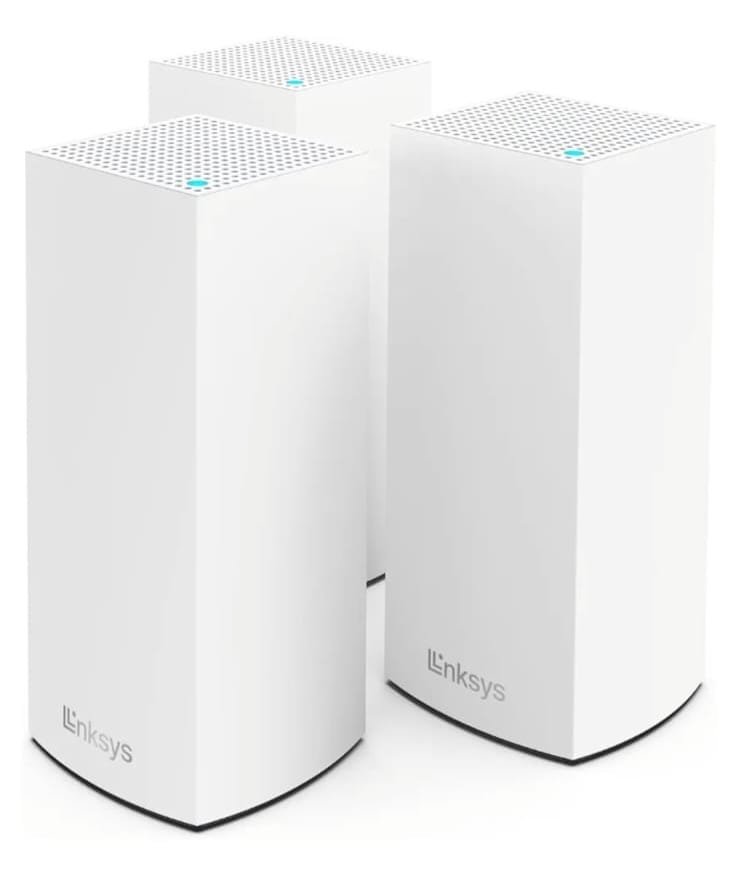
– If parts of your home or office have poor signal strength, consider using Wi-Fi extenders, mesh Wi-Fi systems, or powerline adapters to expand coverage.
– Ensure that your computer’s wireless network drivers are up-to-date. This can be done through the Device Manager on Windows or System Preferences on macOS.
– If all else fails, resetting the router to its factory settings can resolve persistent issues. Be aware that this will erase any custom settings, so you may need to reconfigure your network after the reset.
– For troubleshooting, connecting directly to the modem via an Ethernet cable can help determine whether the issue is with the internet service itself or the Wi-Fi network.
If these steps don’t resolve your Wi-Fi issues, it may be necessary to consult with a technician who can diagnose more complex problems, such as network configuration issues or faulty equipment.
WIFI SERVICES DUBAI CALL US 0554317122 Introduction In the modern digital age, Wi-Fi services have become an integral part of […]
That’s where internet technicians in Dubai come in. If you’re tired of dealing with slow internet speeds or frequent